


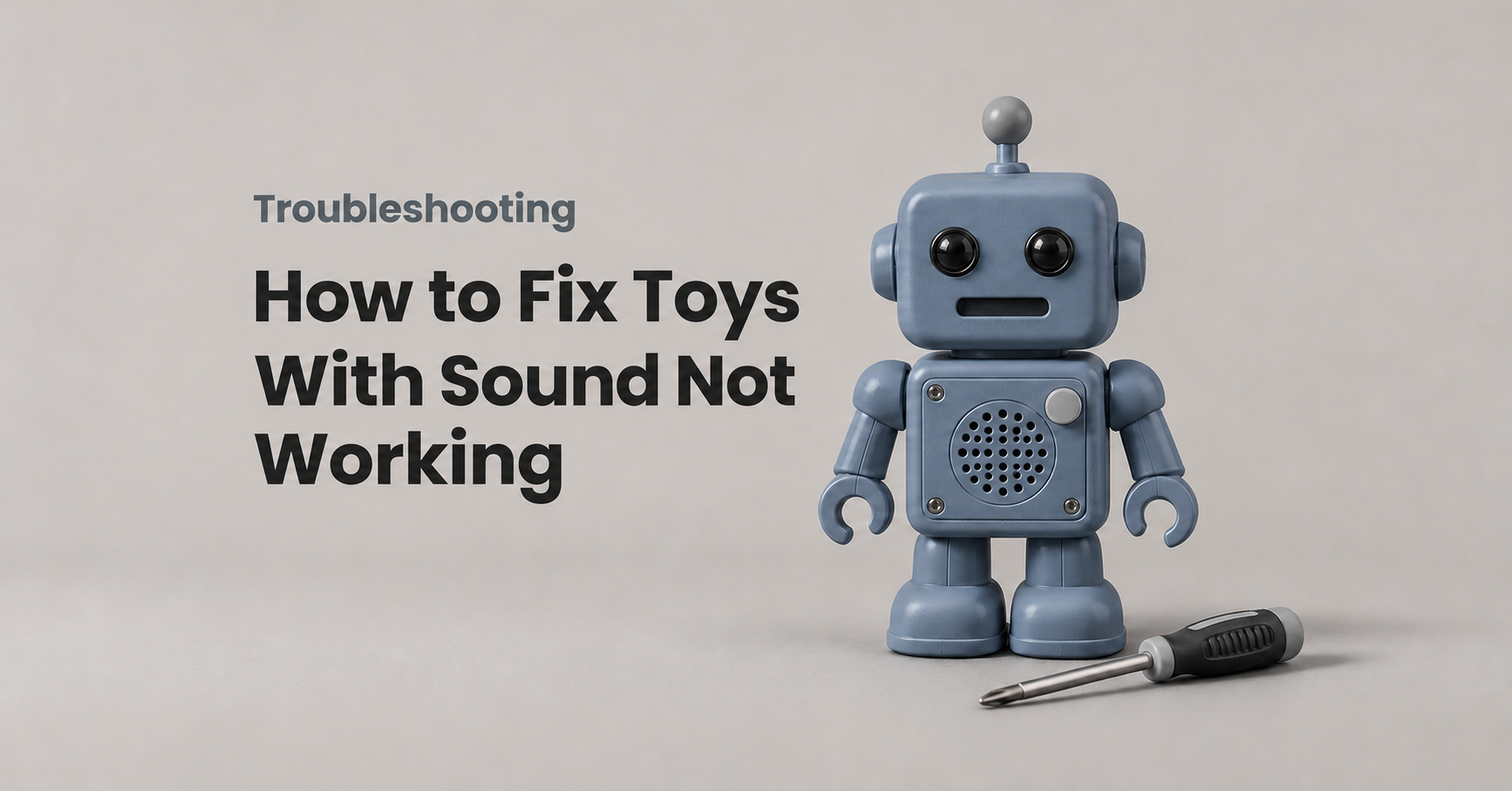

How to Fix Toys With Sound Not Working: A Complete Troubleshooting Guide
A toy that suddenly goes silent can be disappointing for kids and frustrating for parents. The good news is that most sound problems in toys have simple causes: weak batteries, dirty contacts, a switch left in the wrong position, or a loose wire. This guide explains how to fix toys with sound not working, starting with the quickest checks and moving step by step to more advanced repairs.
Safety First Before You Start
- Switch the toy off and remove the batteries before opening it or cleaning inside.
- Work on a clean table with good light and a tray to hold small screws and parts.
- Keep small parts, screws and loose batteries away from young children and pets. Button cells and small magnets are serious hazards if swallowed.
- Never open or repair toys while a child is using them.
- Do not attempt to open sealed rechargeable battery packs, and never short, puncture or heat batteries.
- If a toy is still under warranty, contact the manufacturer or retailer before opening it, because opening it may void coverage.
Common Reasons Why a Toy Has No Sound
Understanding the possible causes makes troubleshooting faster. The most common are:

Step 1: Check the Simple Things First
Before you pick up a screwdriver, rule out the easy fixes:
- Volume control: many toys have a volume dial, slider or button. It may have been turned down or muted.
- Power or mode switch: some toys have an on, off and music-only or sound-off setting. Check that the switch is in the correct position.
- Mute or silent mode: toys with a quiet mode may need to be reset.
- Different buttons or modes: try every button, because only one sound feature may have failed.
- Sleep or auto shut-off: some toys power down after inactivity. Turn the toy off and on again.
Step 2: Replace the Batteries Properly
Weak batteries are the number one cause of silent toys. Sound is often the first feature to fail when power runs low, because speakers need more current than lights.
- Remove all the old batteries.
- Install fresh batteries of the same brand and type in every slot.
- Make sure each battery faces the correct way (+ and -) and sits firmly against the contacts.
- Close the compartment securely, since some toys will not work unless the door is properly latched.
Avoid mixing old and new batteries, or different battery types. If the toy uses rechargeable batteries, make sure they are fully charged.
Step 3: Clean the Battery Contacts
Dirty, tarnished or corroded contacts can interrupt power and cause weak or missing sound. Look inside the battery compartment for white, green or blue crust, dull or dirty metal, or a spring that looks rusty or bent.
- Wear gloves if there is any sign of a leak.
- Dab a cotton swab with white vinegar or lemon juice on the corrosion, then scrub gently.
- Wipe with a cotton swab lightly dampened with isopropyl alcohol.
- Let everything dry fully before putting in fresh batteries.
- If a spring is flat or bent, gently stretch it out slightly so that it touches the battery firmly.

Step 4: Test the Buttons and Sensors
Many sound toys use pressure pads, rubber buttons or touch sensors to trigger the sound. Over time, these wear out, collect dirt, or lose contact.
- Press the button firmly in different spots and listen for a click.
- If the button feels mushy, stuck or does nothing, the rubber pad or contact may be dirty or worn.
- For toys that make sound when shaken, tilted or squeezed, test that movement or pressure and see whether it triggers any response.
- For toys with pull strings or crank mechanisms, make sure the mechanism is moving freely and not jammed.
Step 5: Look for a Blocked or Dirty Speaker
If the toy lights up or moves but the sound is quiet, muffled or silent, the speaker opening may be blocked. Look for small speaker holes or a fabric cover on the toy’s body.
- Use a soft dry brush or a clean toothbrush to remove dust, hair or crumbs from speaker holes.
- Use a cotton swab to wipe around the opening gently.
- Do not poke sharp objects into speaker holes, because they can tear the speaker cone.
- For plush toys, check that the stuffing has not shifted and is not covering or pressing against the speaker.
Step 6: Open the Toy and Inspect the Inside
If the quick checks do not fix the problem, it is time to look inside. This step is best suited to toys with screwed shut panels. If the toy is sealed with glue, rivets or heat welding, repair may not be practical.
- Take a photo of the toy before opening so that you can remember how it fits together.
- Remove the screws and keep them in a small dish.
- Gently separate the shell halves, taking care not to pull on any wires.
- Look for loose, disconnected or broken wires, particularly at the speaker and battery connections.
- Check the speaker for visible damage such as a torn cone, a cracked frame or a detached magnet.
- Look for signs of moisture, discoloration, corrosion or burnt areas on the circuit board.
Step 7: Fix Loose Connections
A connection that has come loose is a common cause of sudden silence, especially in toys that have been dropped or played with roughly.
- Push connectors back into place firmly.
- Press down gently on the circuit board to check that it is seated.
- If a wire has come off its solder point, it can be re-soldered using a small soldering iron, if you have the skill and equipment.
- If you are not comfortable soldering, a local repair shop or a friend with experience can do it quickly.
Step 8: Replace a Faulty Speaker
If everything else checks out but there is still no sound, the speaker itself may have failed. Toys commonly use small, low-power speakers.
- Note the speaker’s size (diameter), shape and impedance, which may be printed on the back.
- Purchase a matching replacement speaker.
- Carefully remove the old speaker and disconnect or desolder the wires.
- Connect the new speaker with the same polarity and secure it in place.
- Test the toy with the shell open before closing it up.
What About Water-Damaged Toys?
If a toy has been dunked, spilled on or washed with the batteries in, remove the batteries immediately. Let the toy dry completely in a well-ventilated place for at least 48 hours. Gently clean any residue with isopropyl alcohol on a cotton swab. Do not use a hairdryer on high heat or an oven, because heat can melt plastic and damage the circuit. If the toy still does not work, the circuit board may be damaged beyond repair.
Tools That Make Toy Repairs Easier

When to Repair and When to Replace
Not every toy is worth fixing. Use this guide to decide.

Special Cases
Talking Dolls and Plush Toys
These often use a pressure switch or pull string inside the body. Replace the batteries first, then check the battery pack and the sound module, which is often hidden inside a pocket or sewn compartment. Keep the speaker area free of stuffing.
Toy Cars, Trains and Remote-Control Toys
Check the battery packs of both the toy and its remote. A weak remote battery can stop sound effects even when the toy itself runs.
Musical Instruments and Keyboards
Check the volume, headphone jack and power adapter. A faulty jack can mute the speaker, so insert and remove the plug several times to reseat it.
Interactive Learning Toys
Make sure the toy is in the correct mode, and try a factory reset if the manual describes one. Some learning toys need a full battery set in order to reset properly.
Toys With Built-In Rechargeable Batteries
Follow the manufacturer’s charging instructions. If the toy does not respond to charging, the internal battery or the charging port may be faulty, and repair is best left to a professional.
Tips to Keep Toy Sounds Working Longer
- Remove batteries from toys that will not be used for a few weeks.
- Replace all batteries together with the same brand and type.
- Store toys in a cool, dry place, and keep them away from water.
- Clean speaker holes and buttons occasionally with a soft brush.
- Teach children to handle toys gently and to avoid pressing on speakers.
- Do not leave toys in hot cars or in direct sunlight.
- Check the toy’s manual for any reset instructions or special care tips.
Frequently Asked Questions
Why is my toy lighting up but not making sound?
Lights need less power than speakers, so low batteries are a common cause. Replace the batteries first, then check the volume control, speaker opening and wire connections.
How do I reset a toy that will not make sound?
Turn the toy off, remove the batteries and leave them out for several minutes. Reinsert fresh batteries and turn the toy on again. Some toys have a reset button, which is explained in the manual.
Can I repair a toy speaker myself?
You can often reconnect loose wires or replace a faulty speaker with a matching one if you are comfortable with basic tools. For more complex repairs, a repair shop may be a better option.
Why is the sound distorted or very quiet?
Low batteries, a partly blocked speaker, a damaged speaker cone or a loose connection can all cause weak or distorted sound.
Is it worth fixing a cheap toy?
If the fix is just fresh batteries or a clean, absolutely. For a very inexpensive toy with complex damage, replacement is usually more practical.
Is it safe to open a toy?
Yes, for most toys with screwed panels, as long as you remove the batteries first and keep small parts away from children. Reassemble the toy fully and securely so no small parts or battery compartments are exposed.
What if the toy still does not work after everything?
The circuit board or sound chip may have failed. At that point, repair is rarely cost-effective and replacing the toy is usually best.
Final Thoughts
Learning how to fix toys with sound not working can save you money and bring a favorite toy back to life. Start with the easy checks, such as volume, switches and fresh batteries, then clean the contacts, test the buttons, clear the speaker, and inspect the inside if needed. With a little patience and a few basic tools, many silent toys can sing, talk and play again in minutes.