




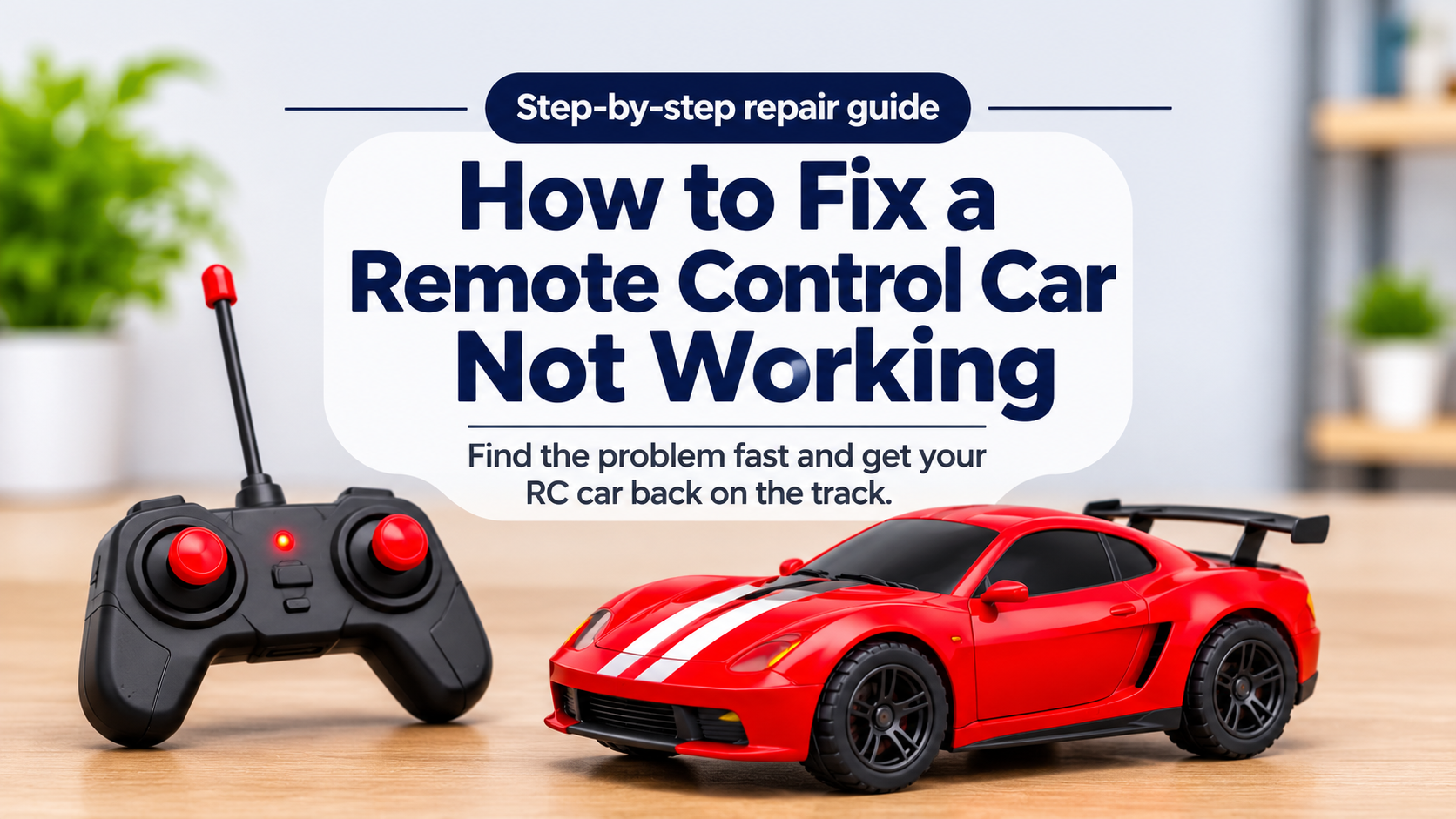
You charge the batteries, flip the switch, push the stick forward, and nothing happens. A remote control car that will not respond is frustrating, especially when a child is waiting or you have just unboxed a new model. The good news is that most RC car problems have simple causes, and many can be fixed at home in minutes with no special skills.
In this guide you will learn how to fix a remote control car that is not working. We cover everything from a quick five-minute checklist to deeper repairs for steering, motors, signal loss and charging faults, plus the tools you need and the habits that keep your car running longer.
Quick answer: Start with the batteries. Fully charge the car’s battery pack and put fresh batteries in the remote. Turn the car on first, then the remote, and re-pair them if needed. Check the antenna, power switch and wiring for damage. If the car still will not respond, match its symptoms to the guide below to find the faulty part, such as the steering servo, motor, speed controller or receiver.
In this guide: how RC cars work, safety tips, a 5-minute quick fix, a symptom chart, detailed fixes for each problem, tools and parts to have on hand, when to repair or replace, maintenance tips, and frequently asked questions.
How a Remote Control Car Works (and Why It Stops)
Understanding the basics makes troubleshooting much easier. When you move the sticks or trigger on your remote, the transmitter sends a radio signal. A small circuit board in the car, called the receiver, picks it up. The receiver then tells the speed controller (ESC) how fast to spin the motor, and tells the steering servo which way to turn the wheels. Everything is powered by the car’s battery.
If any link in that chain breaks, the car may stop responding completely or behave strangely. That is why the order of troubleshooting matters. Always check power first, signal second, and moving parts last. Most problems are found in the first two steps.
Keep in mind there are two broad types of RC cars:
- Toy-grade cars are the simple, affordable models sold in toy aisles. The receiver, speed control and motor controls are usually built into one small board. Repairs are limited, but batteries, pairing and wiring faults are common and easy to fix.
- Hobby-grade cars have separate, replaceable parts: a receiver, an ESC, a motor, a servo and a rechargeable battery pack. They are more powerful and fully repairable, which means you can swap one part at a time to find the fault.
Before You Start: Safety First
Stay safe while troubleshooting:
Turn off the car and unplug the battery before touching wires or opening the body. Keep the wheels off the ground or hold the car when testing. Never charge a swollen, puffy, punctured or hot battery. Charge batteries on a non-flammable surface and never leave them charging unattended. Use only the charger that came with your car or one made for your battery type.
The 5-Minute Quick Fix Checklist
Try these five steps first. Together they solve a large share of “my RC car is not working” problems.
1. Replace or fully charge every battery
Weak batteries are the number one cause. A battery can have enough power to light up an indicator but not enough to move the car. Put brand-new batteries in the remote and fully charge the car’s battery pack. If your car uses a USB charging cable, check that the charging light turns on and later goes off or changes color when finished.
2. Switch on in the right order
For many models, you should switch on the car first and then the remote. Turning them on in the wrong order can stop them from linking. When you finish, switch the remote off first and then the car.
3. Re-pair the remote and the car
Remotes and receivers sometimes lose their connection, especially after a battery change or a crash. The process is called binding or pairing. The exact steps differ by model, but it often involves turning the car on, then holding a bind or reset button on the remote while powering it on until a light stops blinking and stays solid. Check your manual for the correct sequence.
4. Check the antenna, switch and wires
Look at the car’s antenna and the remote’s antenna. If either is bent sharply, cut or missing, the range will drop dramatically. Wiggle the power switch to check it is not stuck, and look for any plug that has popped loose after a bump.
5. Test outdoors or in a wide open room
Large metal objects, thick walls and crowded 2.4 GHz wireless areas can disrupt the signal. Move to an open area and try again before deciding anything is broken.
Symptom Guide: What Is Your RC Car Doing?
If the quick fixes did not work, use this chart to narrow down the cause, then jump to the matching section below.
How to Fix Each Problem
The car will not turn on at all
If there are no lights, no sounds and no movement, the problem is almost certainly power.
- Check the battery. Charge it fully. If you have a multimeter, measure the voltage. A pack that reads far below its rated voltage after charging is worn out and needs replacing.
- Inspect the battery connector. Look for green or white corrosion, bent pins or melted plastic. Clean light corrosion with a cotton swab and isopropyl alcohol or electronic contact cleaner, then let it dry. Replace any connector that is damaged.
- Test the power switch. Switches can wear out. If the switch feels loose or crunchy, or the car works only when you hold it at an angle, replace it.
- Check fuses or protection circuits. Some cars have a small fuse. Others include a protection circuit that shuts the battery off after a short circuit. Unplug the battery for a minute, then reconnect it.
- Look for water damage. If the car got wet, remove the battery immediately, dry the electronics with a clean cloth, and let everything air dry fully for at least 24 hours before trying again.
The remote will not connect to the car
If the car has power but ignores the remote, the issue is usually signal or pairing.
- Install fresh batteries in the remote, even if the old ones seem fine.
- Follow the manual’s pairing steps exactly. Many cars need the car switched on first, then the remote held in bind mode.
- Move away from other wireless devices, such as routers or other RC toys. Many RC cars use the crowded 2.4 GHz band, and a second remote nearby can confuse pairing.
- Check that the remote is for the right car. Remotes from different models are not always interchangeable, even if they look the same.
- Inspect the remote’s circuit board for corrosion at the battery contacts. Clean the contacts gently if they look dull or crusty.
The car moves but will not steer
The steering servo is a small motor that turns the front wheels. When steering fails, check these in order:
- Steering trim. Make sure the trim knob or button on the remote is in the middle position. A badly set trim can make the car turn hard to one side or seem like it will not steer at all.
- Servo plug. Confirm the servo wire is firmly connected to the receiver, in the correct channel.
- Steering linkage. Look for a popped-off steering link, bent rod or something jammed near the wheels. Reattach or straighten the parts.
- Servo gears. A buzzing, clicking or grinding sound when you turn the wheel usually points to stripped gears or a worn servo. Replacing the servo is an easy and inexpensive repair on hobby-grade cars.
The car steers but will not drive
If the wheels turn but the car will not move forward or reverse, look at the drive system.
- Spin the wheels by hand with the power off. They should turn freely. If they are stiff, clean out hair, grass, sand or string wrapped around the axles.
- Check the gears. Open the gear cover and look at the small pinion gear on the motor and the larger gear it meshes with. Chipped or stripped teeth, or gears that have slipped out of position, stop the car from moving even though the motor spins.
- Look at the motor. A motor that hums but does not spin may be jammed or worn out. Burnt smells, discolored wires or a very hot motor mean it needs replacing.
- Check the ESC (hobby-grade). If the receiver is working, the steering responds and the motor does not, the speed controller may need to be calibrated or replaced. Calibration usually involves a specific button-and-trigger sequence listed in the ESC manual.
The signal drops or range is short
If the car works up close but stops responding when it drives away, try these fixes:
- Replace the remote’s batteries. Low voltage shortens range significantly.
- Straighten the car’s antenna wire and keep it away from metal parts. Do not cut it or coil it unless the manual says so.
- Make sure the antenna is held upright by its tube and not laid flat against the chassis.
- Avoid driving near power lines, large metal fences, or areas with lots of Wi-Fi devices.
- If a hobby-grade receiver was drenched or crashed, internal damage may cut the range. Replacing the receiver is the usual fix.
The car stutters, runs slowly or cuts out
Poor performance is often caused by an aging battery or a dirty motor. Try these steps:
- Charge or replace the battery. A pack that is nearly worn out can give you a few minutes of fun and then drop in power quickly.
- Clean the contacts. Wipe the battery contacts and plugs with isopropyl alcohol to remove dirt and oxidation.
- Clean the motor and gears. Use compressed air or a soft brush to remove dust and debris. Avoid heavy oils on the motor itself. A tiny amount of suitable lubricant on the gear axles is enough.
- Check for overheating. If the car runs well, then slows down and gets hot, let it cool for 15 to 30 minutes. Overheating protection may be shutting the car down.
- Look for dragging parts. Wheels rubbing against the body or a bent axle makes the motor work harder and drains the battery fast.
The car drives by itself or turns in one direction
If the car creeps forward when you are not touching the controls, or always pulls to one side, adjust the trim knobs on the remote until the wheels go straight and the motor stays still. If the problem returns, the remote’s sticks or potentiometers may be worn or dirty and the remote may need to be repaired or replaced. Hobby-grade ESCs may also need recalibration.
The battery will not charge or does not last
Charging problems are common, so check these in order:
- Test the charger on another compatible battery, or try a different outlet or USB port, to see which part is faulty.
- Check that the charging cable and plug are not frayed or damaged.
- Look at the battery itself. A swollen, puffy or leaking battery is dangerous and should be stopped and disposed of safely, not charged.
- If your battery pack is old and runs for only a couple of minutes even after charging, it has reached the end of its life and should be replaced.
Lithium battery warning: Many modern RC cars use LiPo (lithium polymer) batteries. Never charge a puffy, dented or damaged LiPo pack. Do not discharge it until it is completely empty. Store it partly charged, in a cool place, ideally in a fire-resistant bag. Take damaged batteries to a battery recycling point instead of throwing them in the trash.
Tools and Parts That Make Repairs Easier
You do not need a full workshop. A few basic items cover most fixes. If you plan to maintain your car regularly, these are worth keeping in a small repair kit:
| Item | What it helps with | What to look for |
|---|---|---|
| Small precision screwdriver set | Opening the car body, remote and gear cover | Phillips and flat heads in several sizes, with a magnetic tip |
| Digital multimeter | Checking battery voltage and wire continuity | Basic model with a clear display and a continuity beep |
| Spare rechargeable battery pack and compatible charger | Fast swaps and longer play time | Matching voltage, connector type and capacity for your car |
| Electronic contact cleaner or isopropyl alcohol | Cleaning corroded battery contacts and plugs | Residue-free, plastic-safe formulas |
| Replacement servo, gears and pinion | Fixing steering and drive faults | The exact size and spline count that fits your model |
| Soldering iron and heat shrink tubing | Repairing broken wires and loose connectors | Temperature-controlled iron and fine solder |
| Compressed air or soft brush | Removing dust, hair and grit | Small, controllable airflow for tight spaces |
| Fire-resistant charging bag | Charging and storing lithium batteries more safely | Heat-resistant material and enough room for your pack |
Should You Repair or Replace Your RC Car?
Repair is usually worth it when the problem is a battery, connector, switch, wire, servo, gear or motor, especially on a hobby-grade car where each part can be replaced separately. Replacement may make sense when:
- The car is a very low-cost toy and the main circuit board is damaged or burnt.
- The body or chassis is cracked in several places and cannot be held together.
- Replacement parts for the model are no longer sold.
- The cost of several parts is close to the price of a new car.
If the car is still under warranty, contact the seller or manufacturer before opening it, because opening the body may void the warranty.
How to Keep Your RC Car Working Longer
- Charge correctly. Use the right charger, do not overcharge, and unplug when done.
- Remove batteries during storage. This stops leaks, corrosion and slow drain. Remove the batteries from the remote too.
- Clean after every few runs. Brush off dirt, grass and sand. Wipe the chassis and check the wheels for tangled hair or string.
- Avoid water unless the car is rated as waterproof. If it gets wet, dry it completely before using or charging it.
- Do not run the car until it stops. Stop when it starts slowing down. Draining a battery fully shortens its life.
- Check screws and wheels. Vibration loosens fasteners. A quick check every few sessions prevents bigger damage.
- Store in a cool, dry place. Extreme heat or cold damages batteries and plastic parts.
Frequently Asked Questions
Why is my remote control car not responding to the remote?
The most common reasons are weak batteries, a lost pairing between the remote and the car, a damaged antenna, or interference from other wireless devices. Replace the batteries, re-pair the remote, and try the car in an open area.
How do I reset a remote control car?
Switch off the car and remote, take out the batteries for a minute, then reinstall them and switch on the car first and the remote second. Many cars also have a bind or reset button that you hold while powering on. Check your manual for the exact sequence.
Why does my RC car move but not steer?
The cause is usually the steering trim, a loose servo wire, a jammed linkage or a stripped servo gear. Reset the trim to center, check the plug and linkage, and listen for grinding or buzzing from the servo.
Why does my RC car only go in one direction?
This can be caused by a faulty ESC, a worn or dirty control switch in the remote, or a damaged wire. On hobby-grade cars, recalibrating the ESC is worth trying first. If that does not help, test with a different ESC or remote to find the faulty part.
Why does my RC car lose signal so quickly?
Short range is typically caused by low batteries in the remote, a bent or damaged antenna, or interference. Fresh batteries and straightening the antenna fix many cases.
How long should an RC car battery last?
Run time depends on the car and the battery, from about ten minutes for small toy cars to much longer for larger hobby models. Most rechargeable batteries slowly lose capacity over several months or years of use. When the run time drops sharply, it is time for a new pack.
Can I fix a water-damaged RC car?
Often yes, if you act quickly. Remove the battery immediately, dry the car and electronics thoroughly, clean any corrosion with isopropyl alcohol, and let everything dry for at least a day before testing. If the car still misbehaves, the receiver or ESC may be damaged.
Is it safe to open an RC car myself?
Yes, if the battery is disconnected and you work carefully. Take photos before removing parts so you can reassemble the car correctly. If the car is under warranty, contact the seller first.
Final Thoughts
When a remote control car stops working, do not panic. Work through the problem in a simple order: power, signal, then moving parts. Replace or recharge the batteries, re-pair the remote and car, inspect the antenna and wires, and then use the symptom chart to track down a faulty servo, motor or speed controller.
With a few basic tools and a little patience, most RC cars can be brought back to life for far less than the cost of a replacement. Take care of the battery, keep the car clean and dry, and it will give you many more hours of fun on the track.